

Webhooks
Webhooks provide a way to receive Codio events at an endpoint you specify.
The system does not retry webhook calls for missed events. You can query the API event object using the loadEvents function.
You can add Webhooks for your Codio organization from the Organization > Integrations page.
Click your username in the top-right corner, then select Organization from the menu.
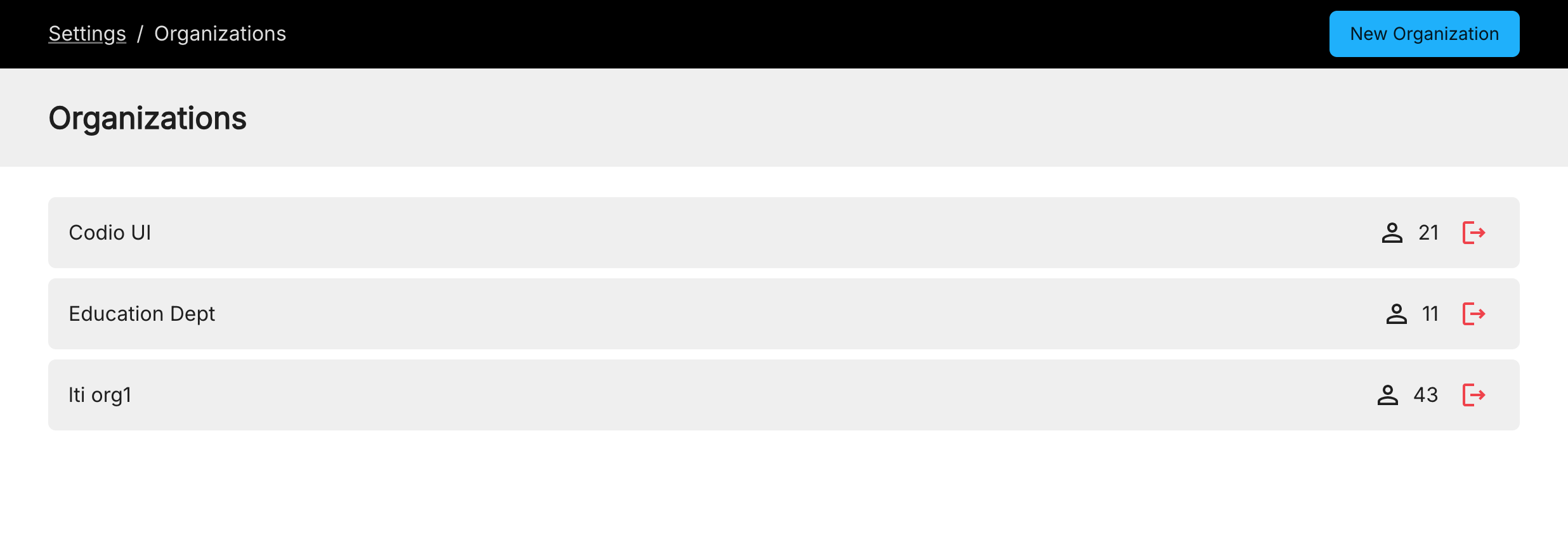
In the Organizations tab, click the name of your organization.
Click the Integrations tab and go to the Webhooks area and click Add Webhook.
Enter the URL of your server and click Create. The system will send a test request to validate endpoint connectivity.
All requests contain a JWT signature you can verify using Codio keys https://apollo.codio.com/lti/oidc/certs (or https://apollo.codio.co.uk/lti/oidc/certs if you are working on codio.co.uk).
View an example here: https://github.com/iyashtykov/webhook-server